Copy, print, scan
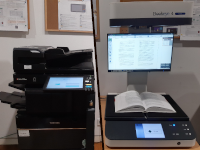
At the University Library, five multifunction printers are available in total—one on each floor. They allow printing, copying, and scanning and work on the FollowMe principle.
With FollowMe printing, your job is first stored in a virtual queue. The printout is only produced after you release your job at a multifunction device of your choice. Charges are deducted from your print account only at that time.
In addition, you can print PDF documents directly from the device using a USB stick. Please note that password-protected or encrypted files are not supported.
Further information on printing, copying, and scanning procedures can be found on the website of the University Computing Centre.
Scanning with the Bookeye®
On the ground floor and on the first floor, Bookeye® book scanners are also available. With these, books and other documents can be scanned free of charge. The scans can be saved as searchable PDF files, so that the text can be copied directly and searched in full text.
The scans can be saved either to a USB stick or to your mobile device. To save to your mobile device, please follow these steps:
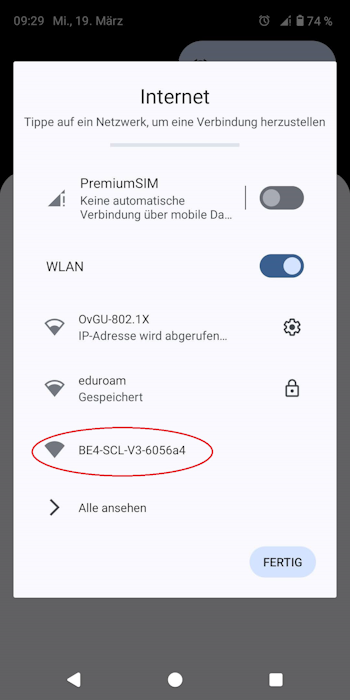
- Step 1: Connect your mobile device with the WIFI BE4-SCL-V3-617566. A password is not needed.
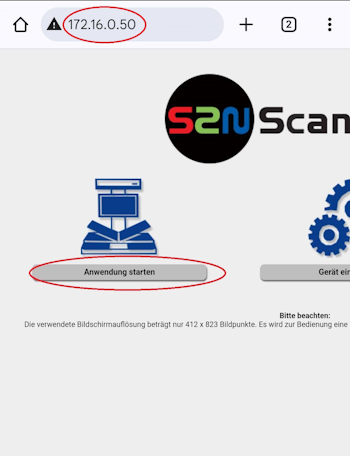
- Step 2: Open your browser and search for the following address: 172.16.0.50. Click "Anwendung starten" (=start application).